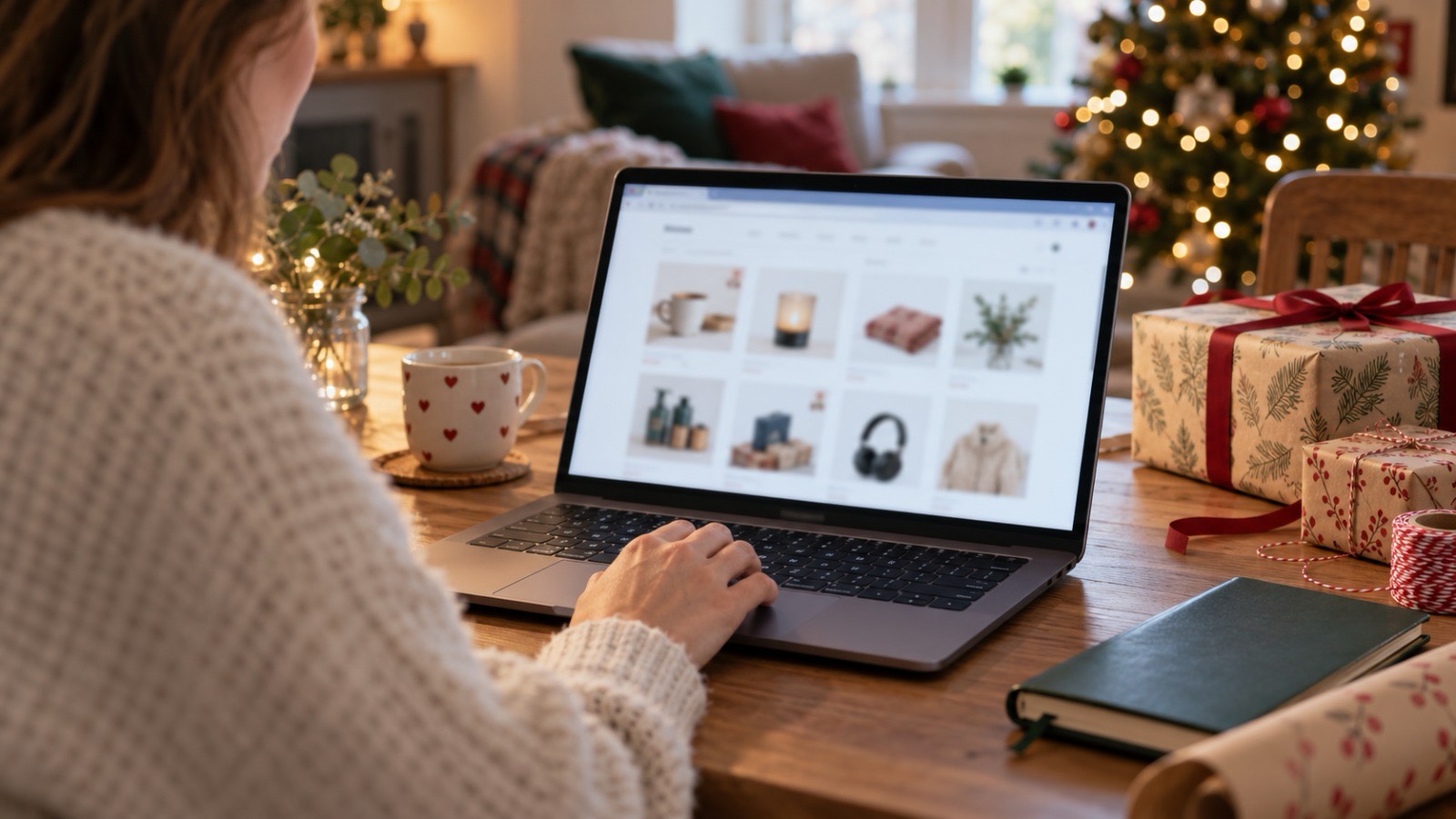
Private browsing can help keep a gift search out of a shared laptop’s normal browser history. It cannot make the whole activity disappear. A downloaded receipt can remain in the Downloads folder. A bookmark can appear later in the regular browser.
The shop still receives an order you place. Those distinctions matter more than the name of the mode: the useful question is who you want privacy from, and which record you want to avoid leaving.
For a family sharing a computer, the next person at the keyboard is often the main concern. You may want to research a present without leaving product pages in the usual history. That is a reasonable use for a private session. It is different from keeping a purchase out of a joint email account, hiding a file on the desktop, or protecting a connection on an unfamiliar network. Each involves a different place where information can remain.
First, know when the private session ends
Chrome calls its private mode Incognito. Its official guidance explains that opening an Incognito window starts a separate browsing session, and closing all Incognito windows ends that session. Closing one tab is not the same thing. If another Incognito window is open behind your main window, the session has not ended. Before handing the laptop over, check for the remaining windows instead of assuming the last page you closed was the last one running.
During that session, temporary site information helps pages work. Once the session ends, Chrome does not retain its visited-site record or site data from that session. This describes Chrome’s browser behaviour, not the behaviour of every browser or every other program on the computer. It does not say that an order was cancelled or that a message was unsent. An action completed on a website has effects beyond the browser’s local history.
A saved file is not a temporary browsing record
Downloads and bookmarks are an important exception. Chrome keeps files you download and bookmarks you save after leaving Incognito. Consider a hypothetical birthday purchase: you find a present privately, download the invoice, and close every private window. The browser session has ended, but the invoice may still be sitting in Downloads. Someone looking for their own file could see it without ever checking browser history.
Deal with those records as files. Save necessary receipts somewhere appropriate for your household and avoid leaving them on a shared desktop. If the computer has separate user accounts, use your own account for your own records. Do not delete another person’s files while tidying up. Nor should you assume that moving a file proves every copy is gone: a synced folder or an email attachment may contain another copy. For an ordinary surprise, knowing where you saved the document is usually the useful first step.
The website still receives what you send it
A private browser session does not make a logged-in account unknown to its website. If you sign into a shop, submit a delivery address, or place an order, that site receives the information needed for the action. It may also send an email or keep an account order record. A household member who shares that account might therefore discover the present through the account itself, even though the local browser history contains no record of the visit.
This is why separate questions lead to better decisions. To reduce local browsing history, use the browser’s private mode correctly. To keep personal account records separate, use accounts you control and sign out when finished. To avoid an unexpected shared inbox notification, think about the account receiving the confirmation before placing the order. Private browsing is useful, but it is not an account-management tool.
The network is another observer
Local browser privacy and network privacy are not the same. A VPN connection can encrypt traffic routed between your device and the VPN server. That does not remove a downloaded invoice or change what you deliberately send to a shop. X-VPN can encrypt traffic routed through its service; it does not clear files from a shared laptop. The distinction helps you choose a tool for a real task without expecting it to manage the rest of the computer.
A free VPN option should be checked against your device and connection needs in the same way. It is not another name for private browsing. Turning one on does not end an open browser session, sign out of every website, or make a shared screen private from someone beside you. Keep the browser controls, file choices and network connection separate in your mind; then each setting has a clear purpose.
Use a trusted device for sensitive tasks
One last distinction is physical visibility. Someone sitting beside you can read an open page whether it is in a private window or not. A person returning to an unlocked laptop can see the screen you left open. For a shared household device, finish the task and leave the computer in the agreed state before walking away. Browser privacy becomes much easier to understand when you consider the actual person, record or screen involved.
These habits assume a family computer you can reasonably trust. Neither private mode nor a connection tool proves that a device is free from monitoring software or that its administrator cannot observe it. If you do not know who controls the computer, use your own trusted device for sensitive tasks. Trying to compensate with more browser settings does not answer the underlying trust question.
On a shared home laptop, a modest routine is enough: choose the right session, notice what you save, and close all private windows when finished. If the concern is an account record, address the account. If it is a file, address the file. That is more reliable than looking for one switch that promises to hide everything.